$7.00Base product price. The final amount is shown on Whop.
Payment options
Apple Pay
Google Pay
Visa
Mastercard
American Express
Cryptocurrency
WeChat Pay
US Bank · ACH
Whop balance
Available payment methods are shown at checkout based on your country and purchase currency.
After payment, connect the same Discord account on Whop to receive the Lexus role. Then download the 1772 app and sign in with the same account to access your car.
YOUR GARAGE / LEXUS LX600
Check your car access
Finish connecting Discord on Whop, then check whether your role has arrived.
Received your role? Check here
After connecting Discord on Whop, refresh to update your car access.
Received your role? Download the app to your Windows PC, then open it to get started.
82.4 MB · Windows
03
Sign in and access your car
In the app, select Discord sign-in and use the account that received the role. You will find Lexus LX600 2025 in your library. Select it and download it there.
Car files are now downloaded through the 1772 app, so you can follow releases and updates from your library. Use the same Discord account on the website and in the app.
After downloading your car from the app
Download the car file and extract it if it is archived. Put the mod files in the cars folder appropriate for your version, keeping the original file names and folder structure.
Xbox / PC
Forza Horizon 6/content/mediaPC/cars/
Steam / PC
Forza Horizon 6/mediapc/cars/
Use the mediaPC folder for the mod. Leave the original media files unchanged. Contact us on the server if you need help.
Returning from checkout does not confirm mod access. We verify your role on the server.

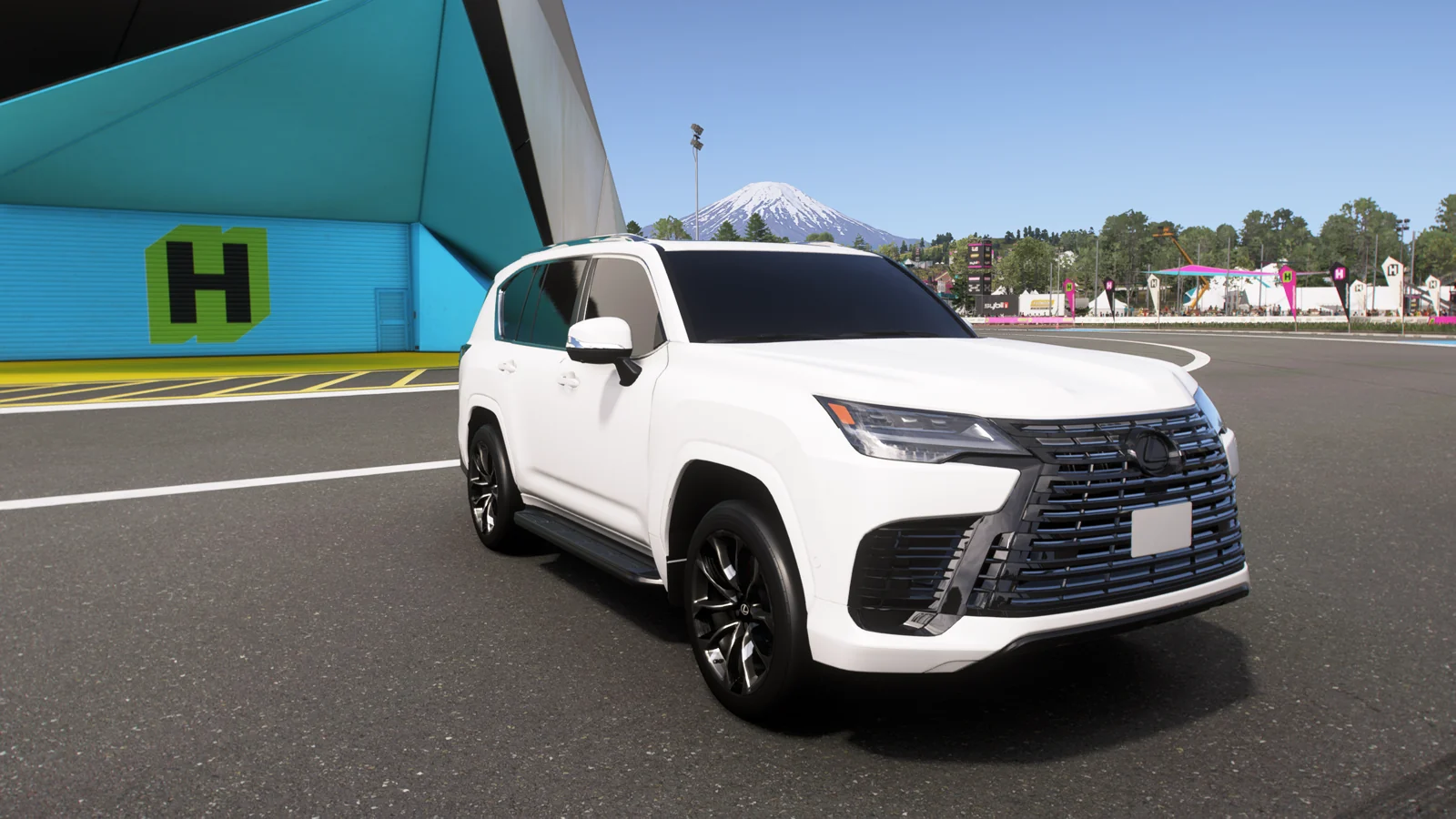

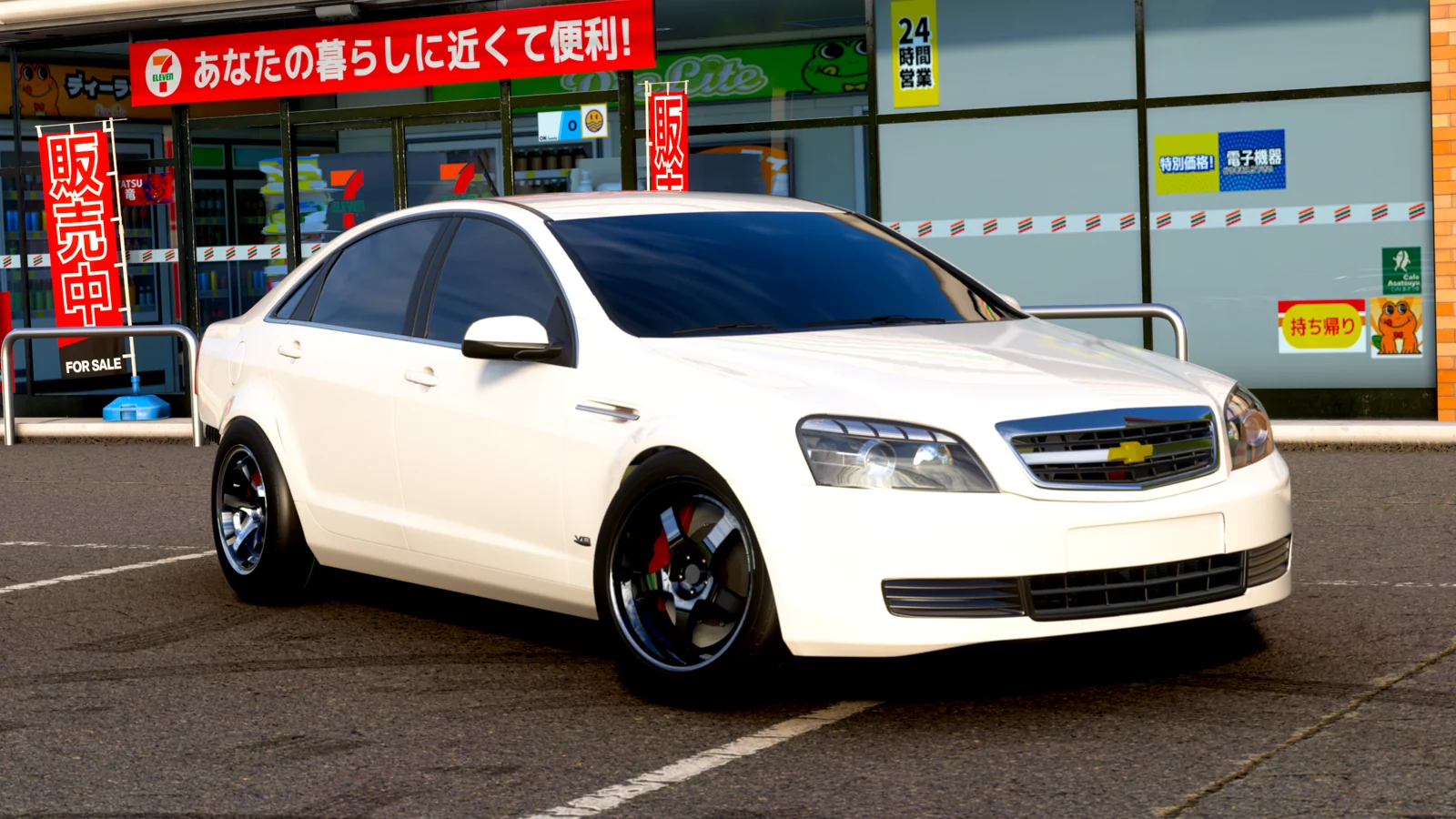
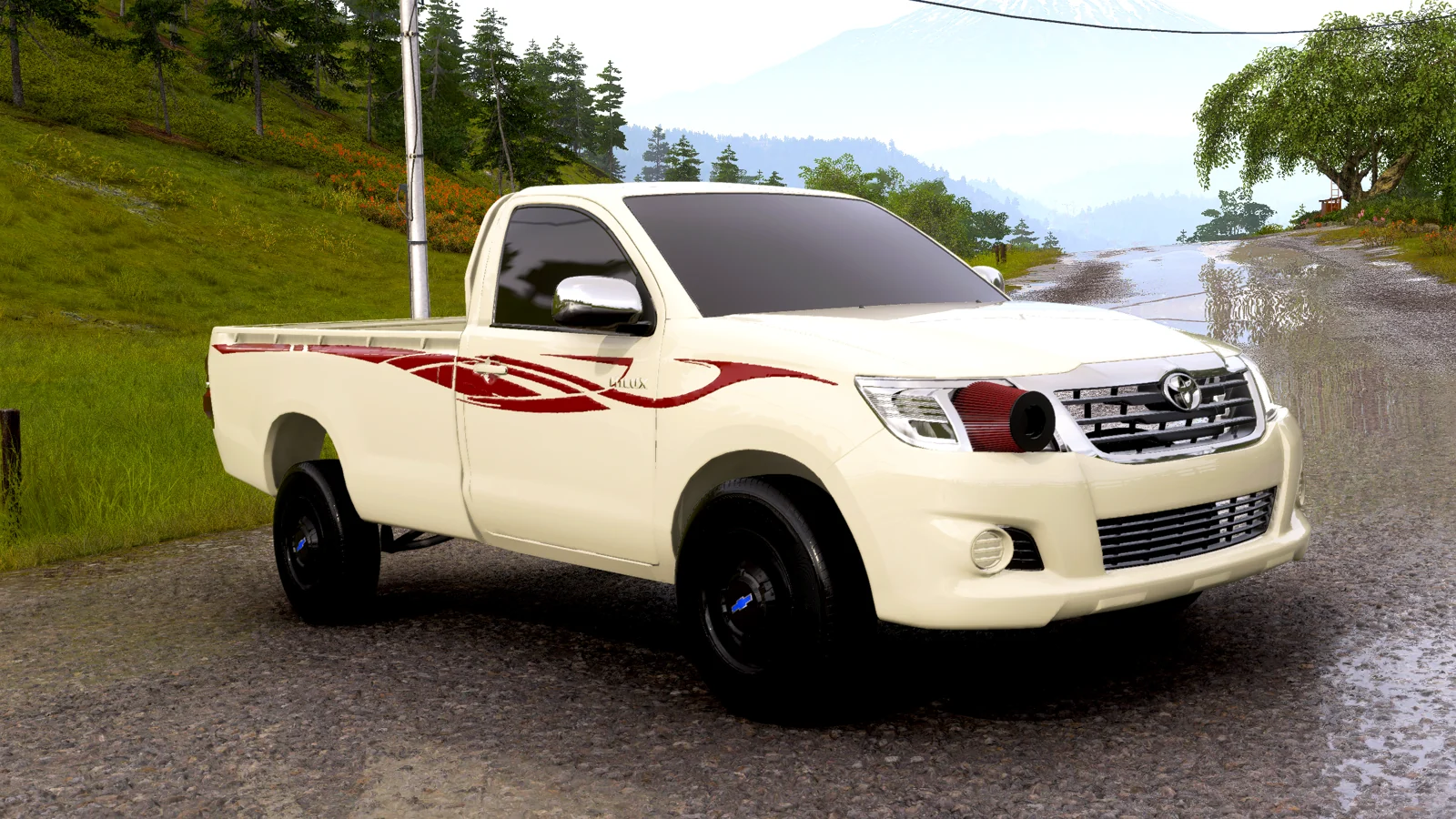
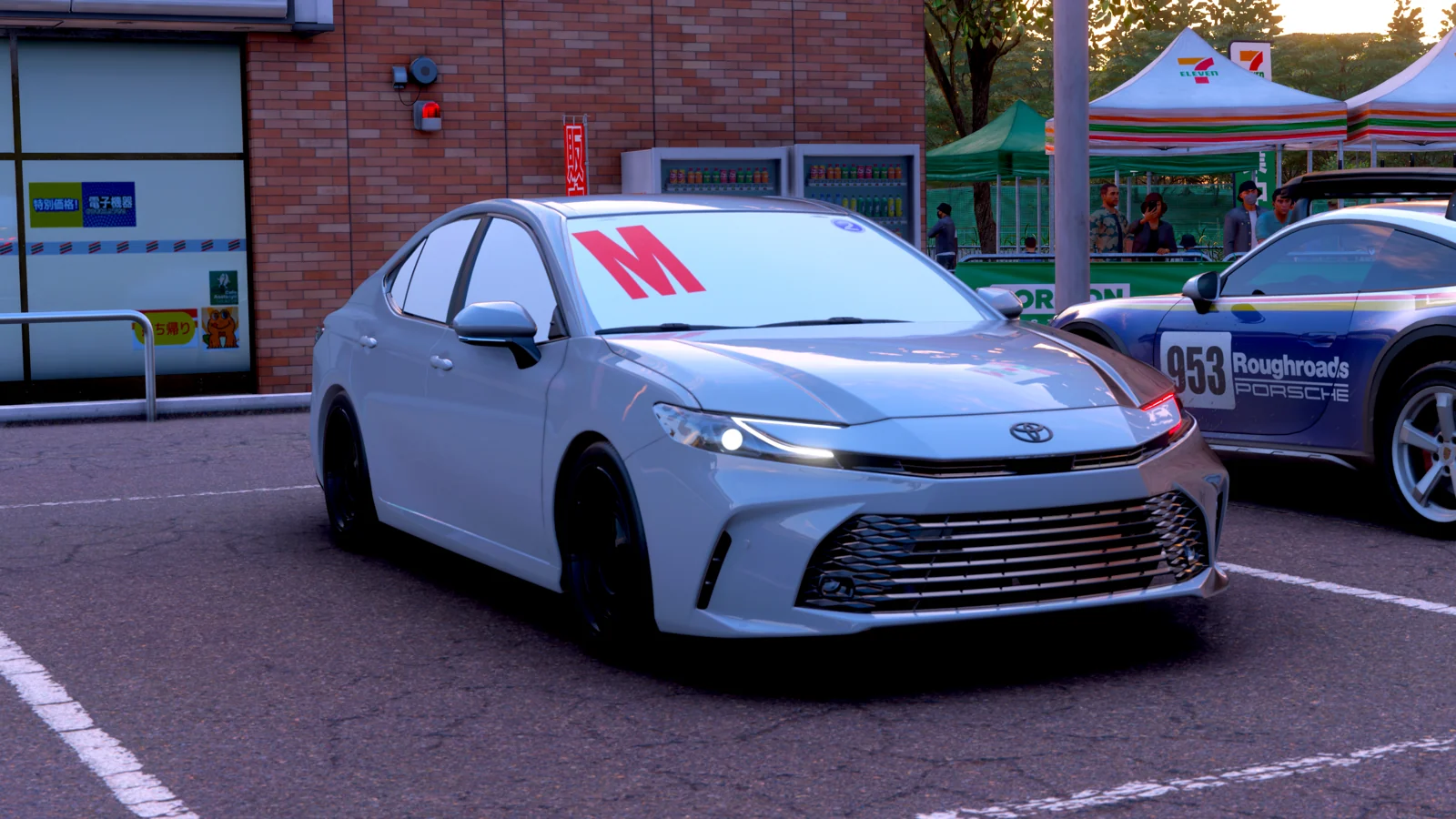
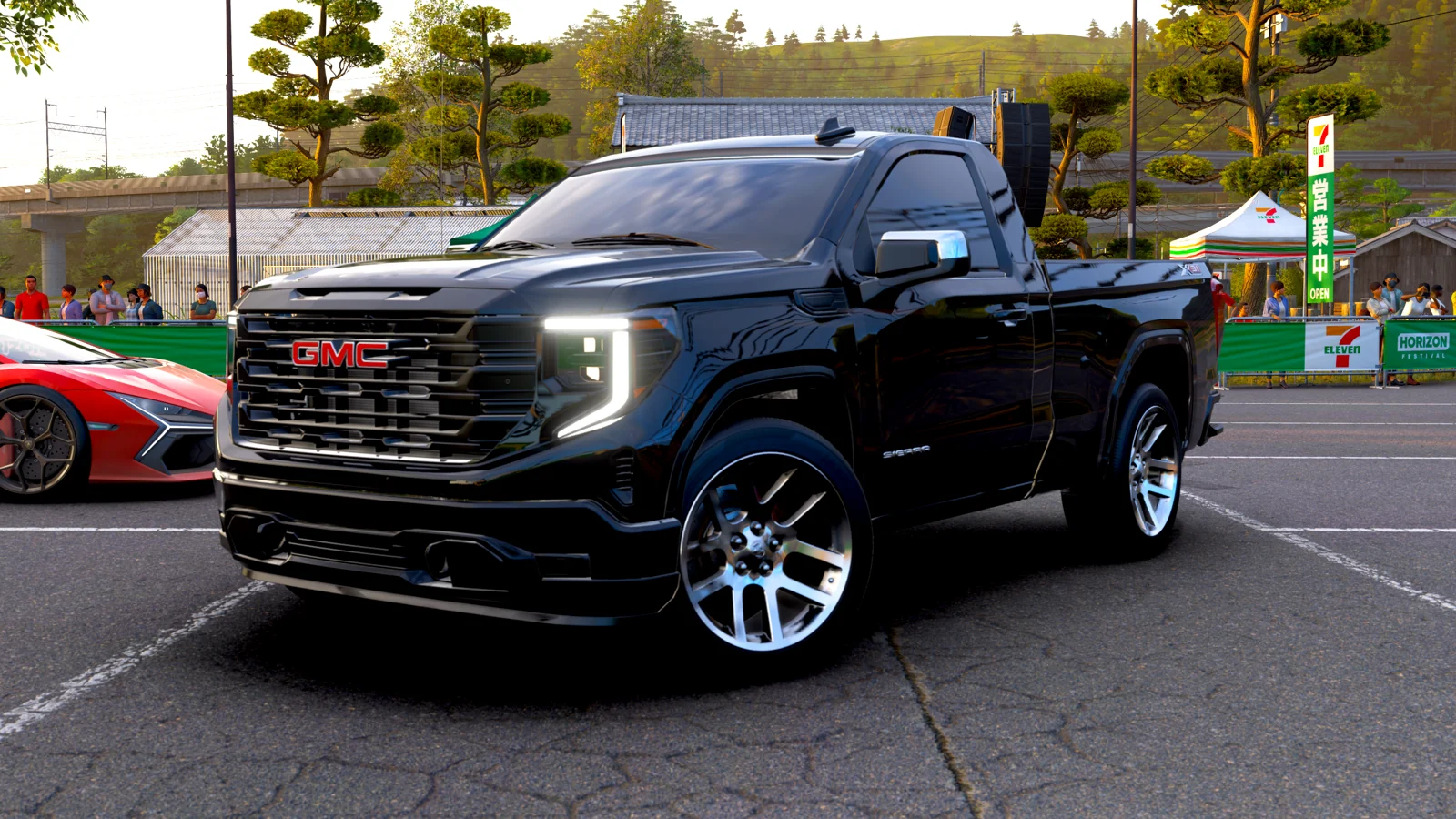
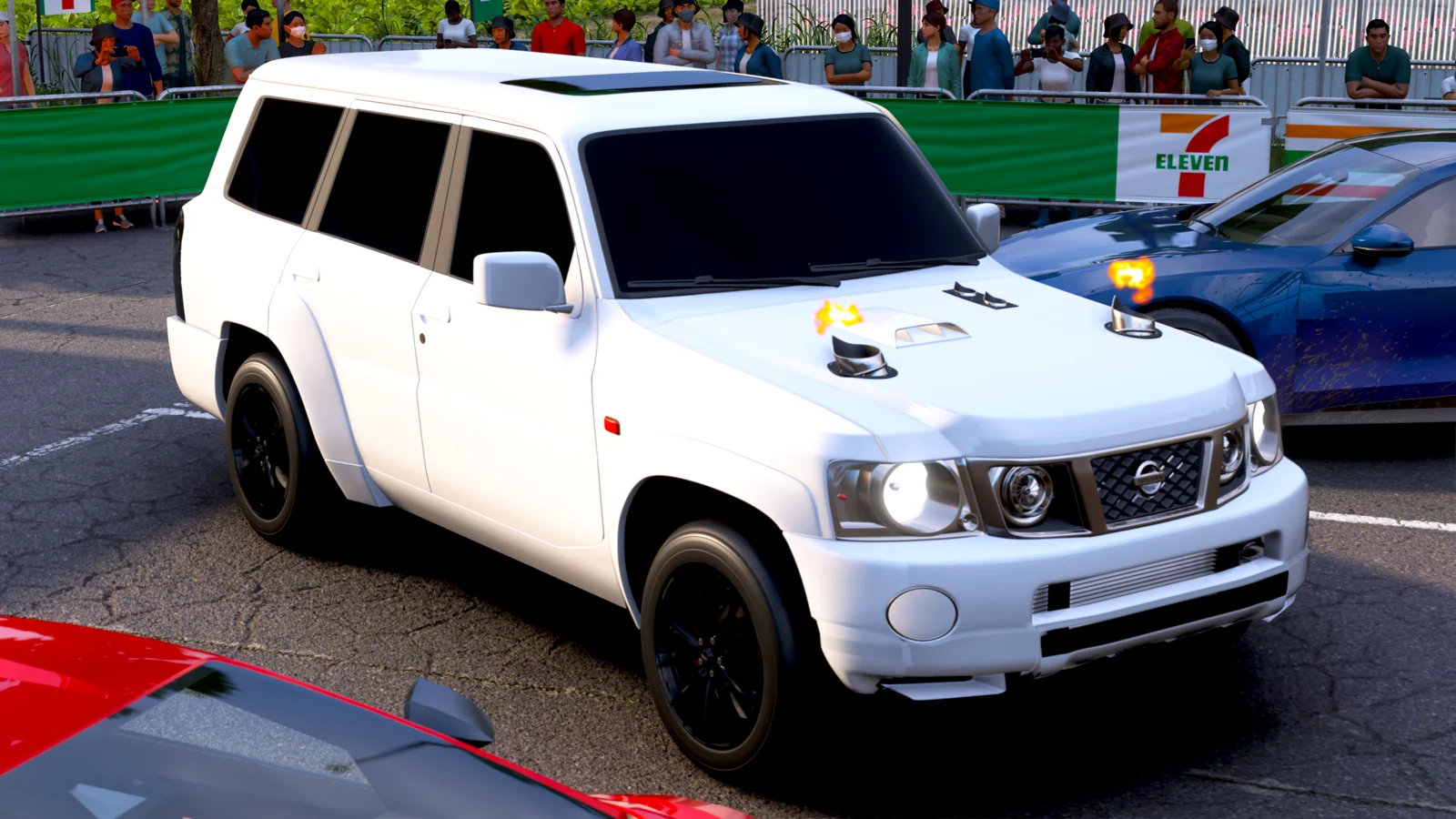
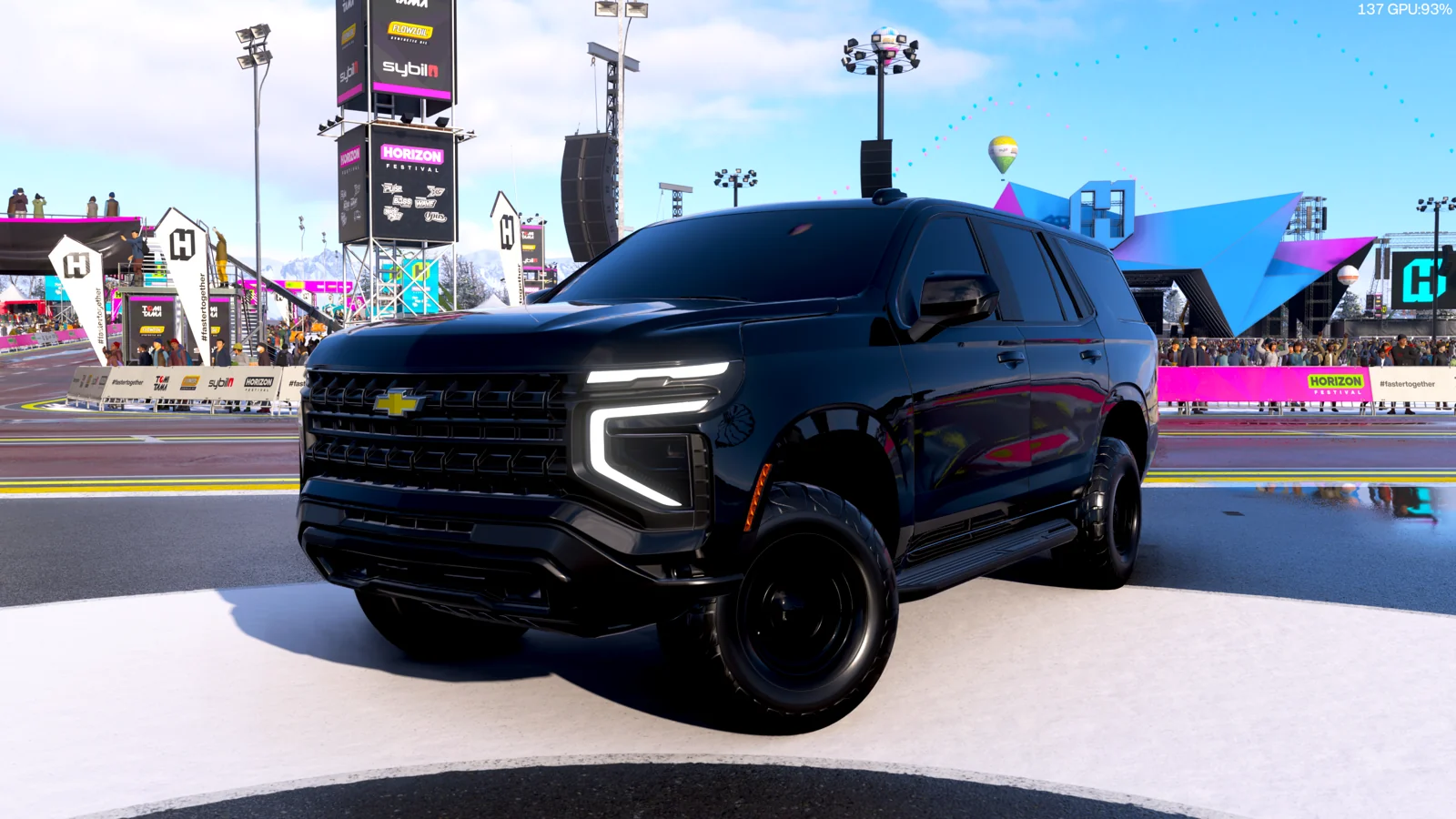
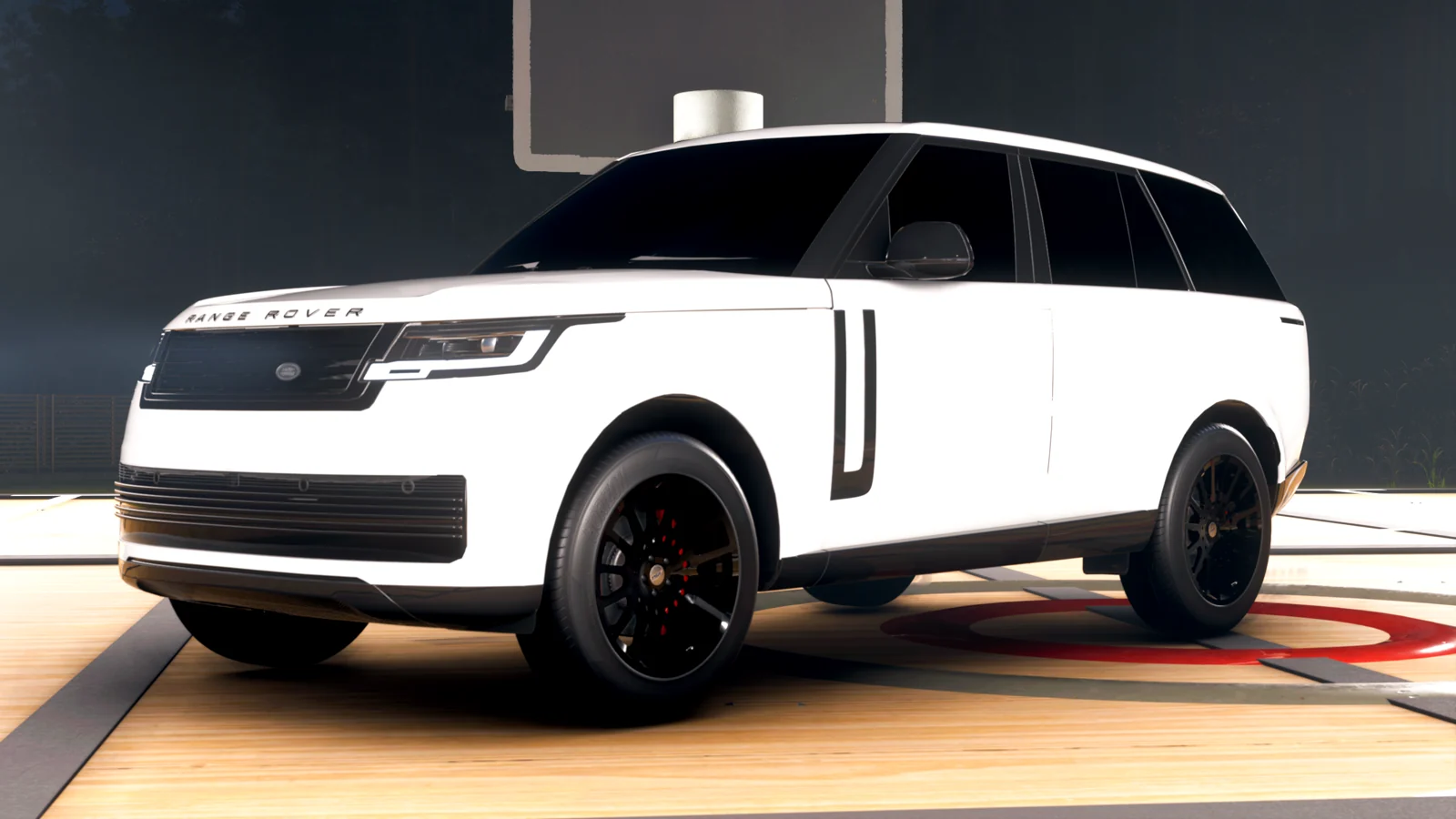
 01 / Front viewActual in-game photos
 Apple Pay
 Google Pay
 Visa
Visa Mastercard
 American Express
 Cryptocurrency
 WeChat Pay